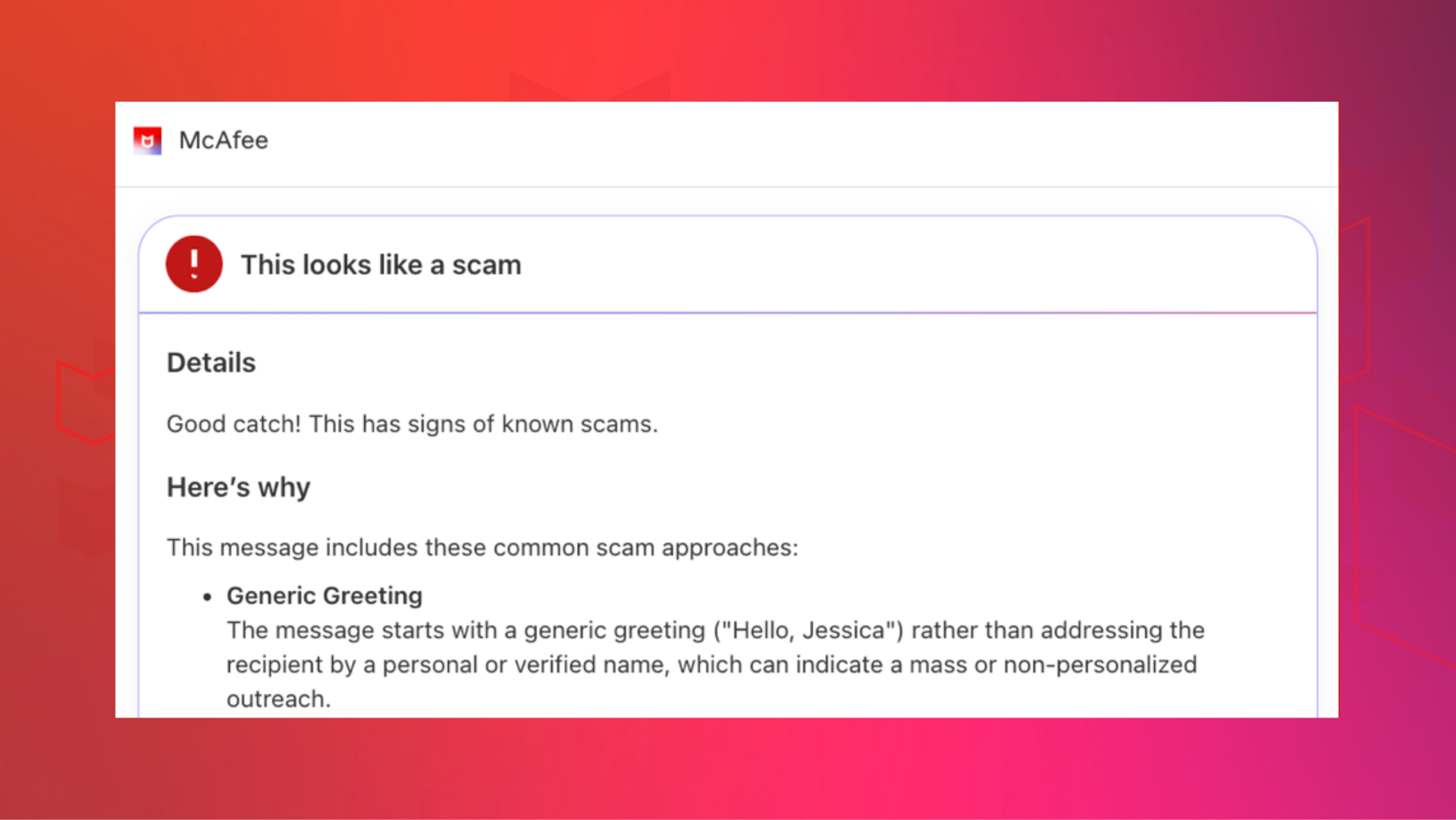


Scam messages are getting smarter and faster.
According to McAfee’s 2026 State of the Scamiverse report, Americans now spend 114 hours a year trying to figure out what’s real and what’s fake online. That’s nearly three full workweeks lost to second-guessing messages, alerts, and links.
And when scams do succeed, they move quickly. The typical scam unfolds in about 38 minutes, leaving little room for hesitation.
That creates a gap: People want to check before they act, but the tools haven’t always met them in that moment.
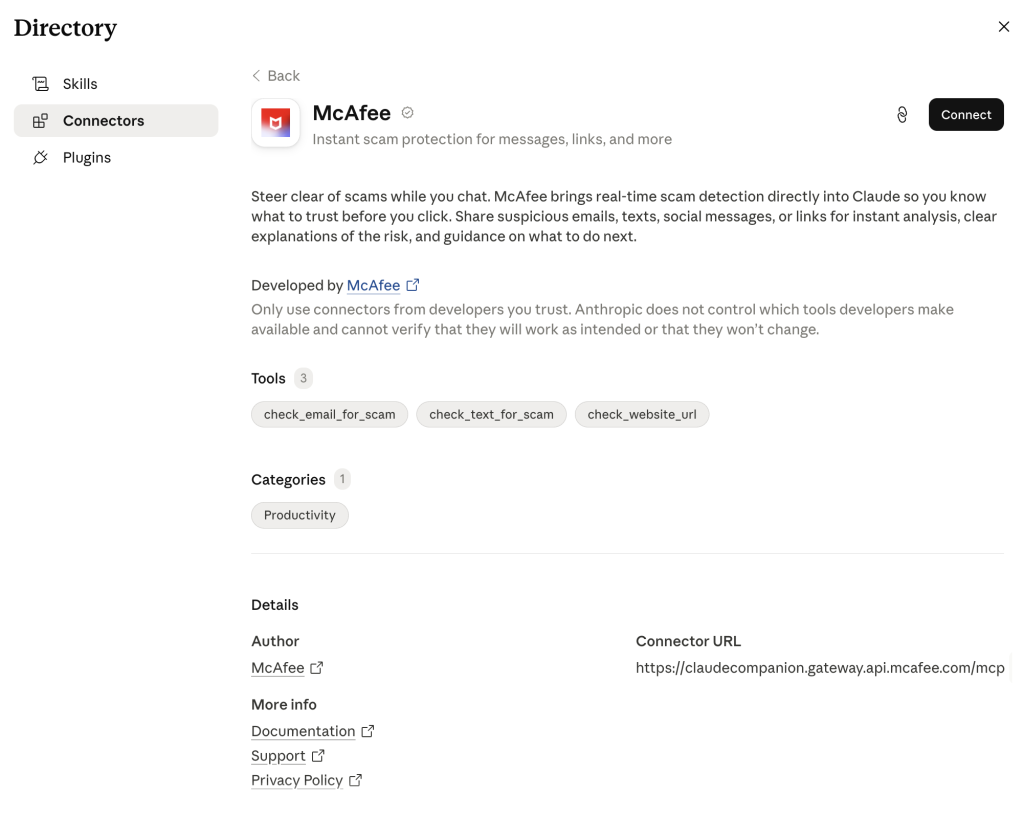
Claude + McAfee is designed to close that gap, bringing scam detection directly to a platform people are already using to ask questions and make decisions.
And it’s available to anyone. You don’t have to be a McAfee subscriber.
This isn’t just detection. It’s guidance in the exact moment you’re deciding what to do.
Instead of guessing, you can paste a message or drop in a screenshot and get a clear explanation of what’s risky, and what to do next, powered by McAfee’s threat intelligence.

How to Use McAfee in Claude
With this integration, checking something suspicious becomes as simple as asking a question.
Paste a message. Drop in a link. Upload a screenshot. And just make sure to @McAfee when you’re asking a question.
McAfee analyzes it and explains what’s going on clearly and in context.
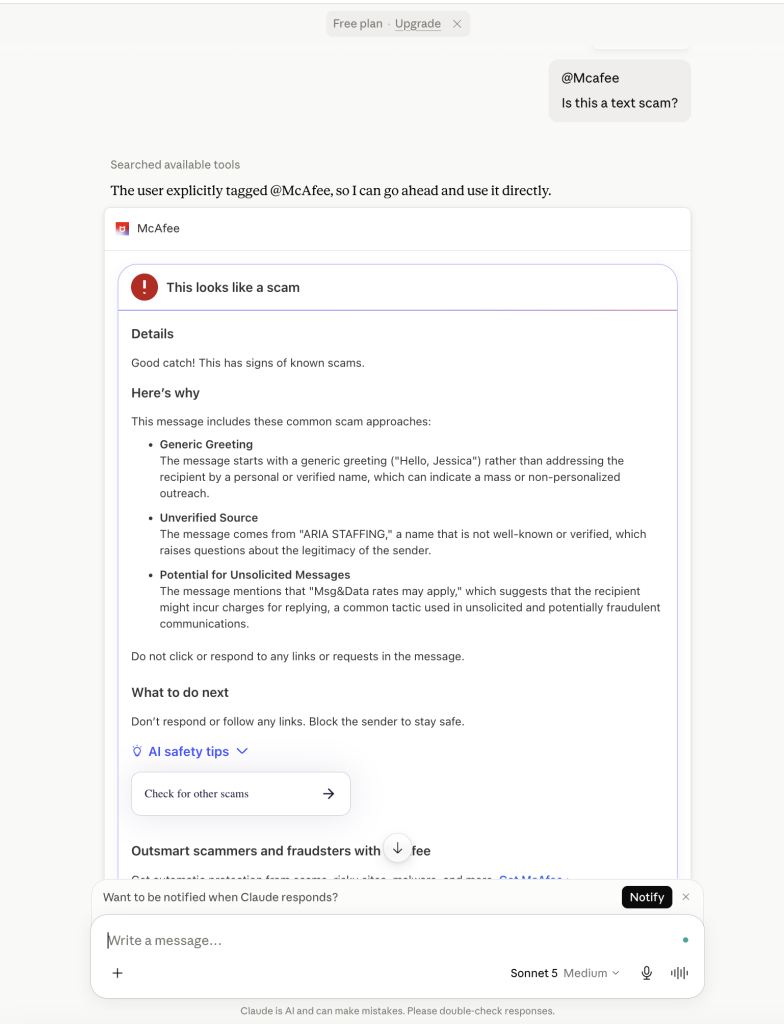
For example, I got this suspicious “job offer” message over the weekend:

So I uploaded it in Claude and asked @McAfee, which caught it right away. You can even see I’m using the free plan.
Here’s how it works:
| Feature | What it does | How it protects you |
| Link safety check | Paste a suspicious URL and get a reputational analysis based on McAfee threat intelligence | Scam links are often designed to look legitimate. A quick check helps avoid phishing and malware |
| Message analysis | Submit texts, emails, or social messages for evaluation | Many scams now rely on urgency and tone. Analysis helps surface subtle red flags |
| Screenshot uploads | Upload screenshots of messages or emails for review | Scams don’t always come as clean text. This makes it easier to check what you’re seeing |
| Clear explanations | Get a breakdown of why something is flagged as risky or safe | Not just a warning—an explanation that helps you recognize patterns next time |
| Guided next steps | Receive recommendations on what to do next | Helps prevent escalation, especially in moments of uncertainty |
It’s a quick, accessible way to get answers in the moment. But it’s just one part of a broader system designed to protect you more comprehensively.
How do I set up McAfee in Claude?
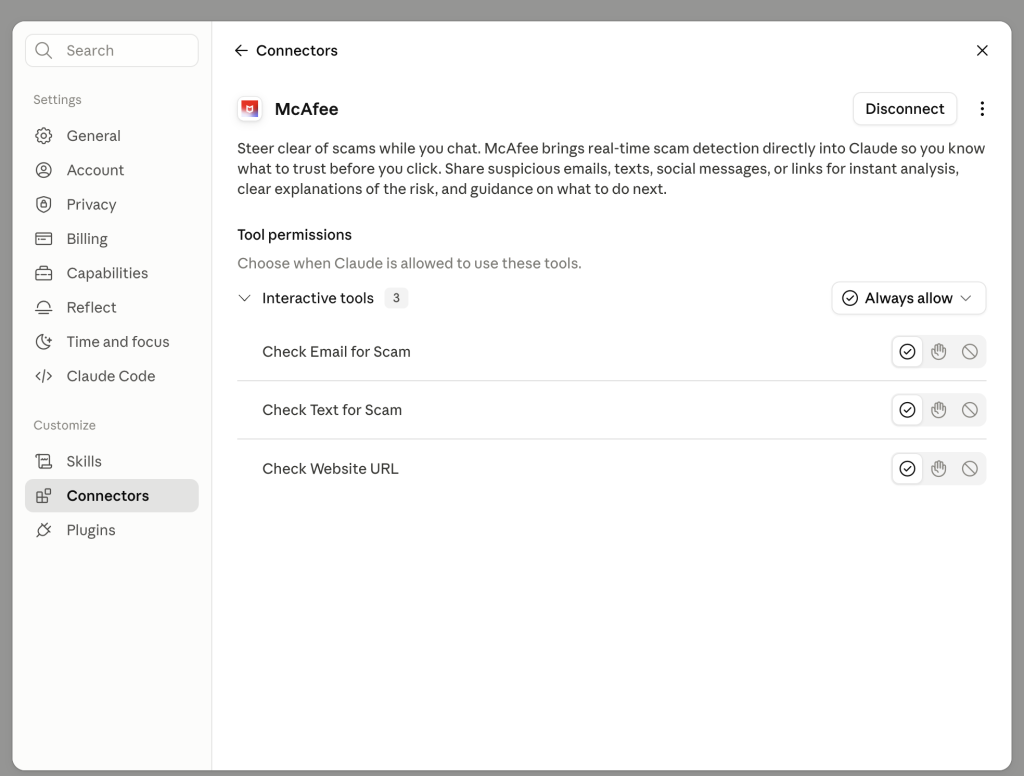
Add the Connector to your Claude account here.
And make sure to go into “manage connections” to give McAfee permissions to review the texts, emails, and URLs you upload to Claude.

Need help getting the extension installed? Check out our step-by-step guide.
Built on McAfee’s Threat Intelligence
Behind the scenes, Claude + McAfee is powered by the same intelligence that fuels McAfee’s broader scam protection ecosystem.
When you submit something for review:
- Links are checked against known threat signals
- Messages are analyzed for scam patterns and language cues
- Results are translated into clear, human-readable explanations
The goal isn’t just to flag risk. It’s to help you understand it.
A New Way to Stay Ahead of Scams
Scams aren’t slowing down. If anything, they’re becoming more convincing, more personalized, and harder to detect.
That’s where Claude + McAfee comes in. But this is only one part of a much bigger system designed to protect you before, during, and after a scam attempt.
With McAfee+ Advanced, multiple layers work together so you’re not left figuring it out after the damage is done:
- Identity Monitoring alerts you if your personal info shows up where it should not, so you can act fast
- Personal Data Cleanup helps remove your information from sites selling it.
- Scam Detector flags suspicious texts, emails, links, QR codes, and even deepfake videos before you engage
- Safe Browsing helps block risky sites, even if you do accidentally click
- Device Security helps detect malicious apps or downloads
- Secure VPN keeps your data private, especially on public Wi-Fi
- The Claude + McAfee experience gives you a fast, intuitive way to check something in the moment.
McAfee+ Advanced makes sure you’re protected across everything else.
Stay Updated
Follow us to stay updated on all things McAfee and on top of the latest consumer and mobile security threats.